> ## Documentation Index
> Fetch the complete documentation index at: https://docs.dify.ai/llms.txt
> Use this file to discover all available pages before exploring further.
# Code
> Execute custom Python or JavaScript for data processing
The Code node executes custom Python or JavaScript to handle complex data transformations, calculations, and logic within your workflow. Use it when preset nodes aren't sufficient for your specific processing needs.
## Sandbox Service
The Code node depends on the `sandbox` service, defined in the standard Docker Compose deployment and started automatically with the rest of the stack:
```bash theme={null}
docker compose up -d
```
The sandbox runs as a separate container, isolating code execution from the host and from other services. Tune behavior through the `SANDBOX_*` environment variables in `docker/envs/core-services/sandbox.env.example` (worker timeout, network access via SSRF proxy, port) and through the `CODE_*` variables in `docker/envs/core-services/shared.env.example` (output limits consumed by the API).
## Configuration
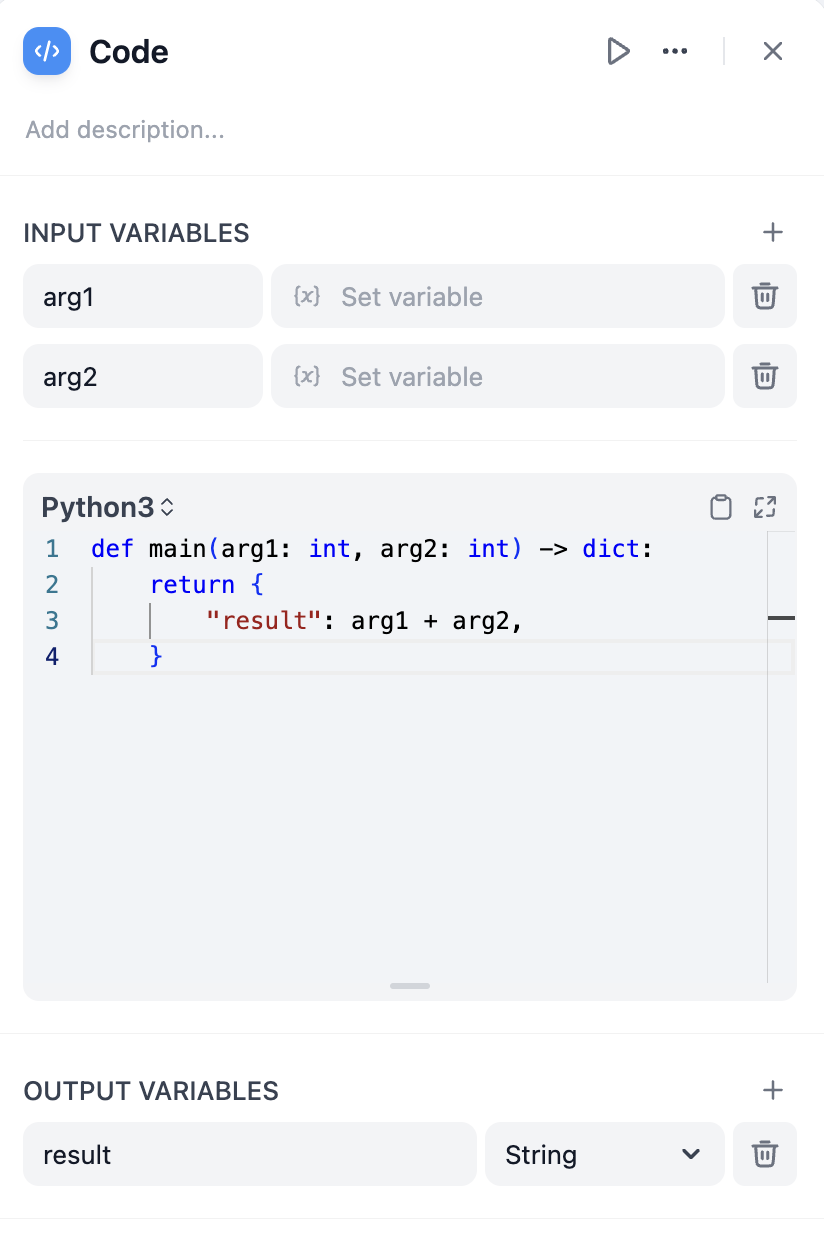
Define **Input Variables** to access data from other nodes in your workflow, then reference these variables in your code. Your function must return a dictionary containing the **Output Variables** you've declared.
```python theme={null}
def main(input_variable: str) -> dict:
# Process the input
result = input_variable.upper()
return {
'output_variable': result
}
```
## Language Support
Choose between **Python** and **JavaScript** based on your needs and familiarity. Both languages run in secure sandboxes with access to common libraries for data processing.
Python includes standard libraries like `json`, `math`, `datetime`, and `re`. Ideal for data analysis, mathematical operations, and text processing.
```python theme={null}
def main(data: list) -> dict:
import json
import math
average = sum(data) / len(data)
return {'result': math.ceil(average)}
```
JavaScript provides standard built-in objects and methods. Good for JSON manipulation and string operations.
```javascript theme={null}
function main(data) {
const processed = data.map(item => item.toUpperCase());
return { result: processed };
}
```
## Error Handling and Retries
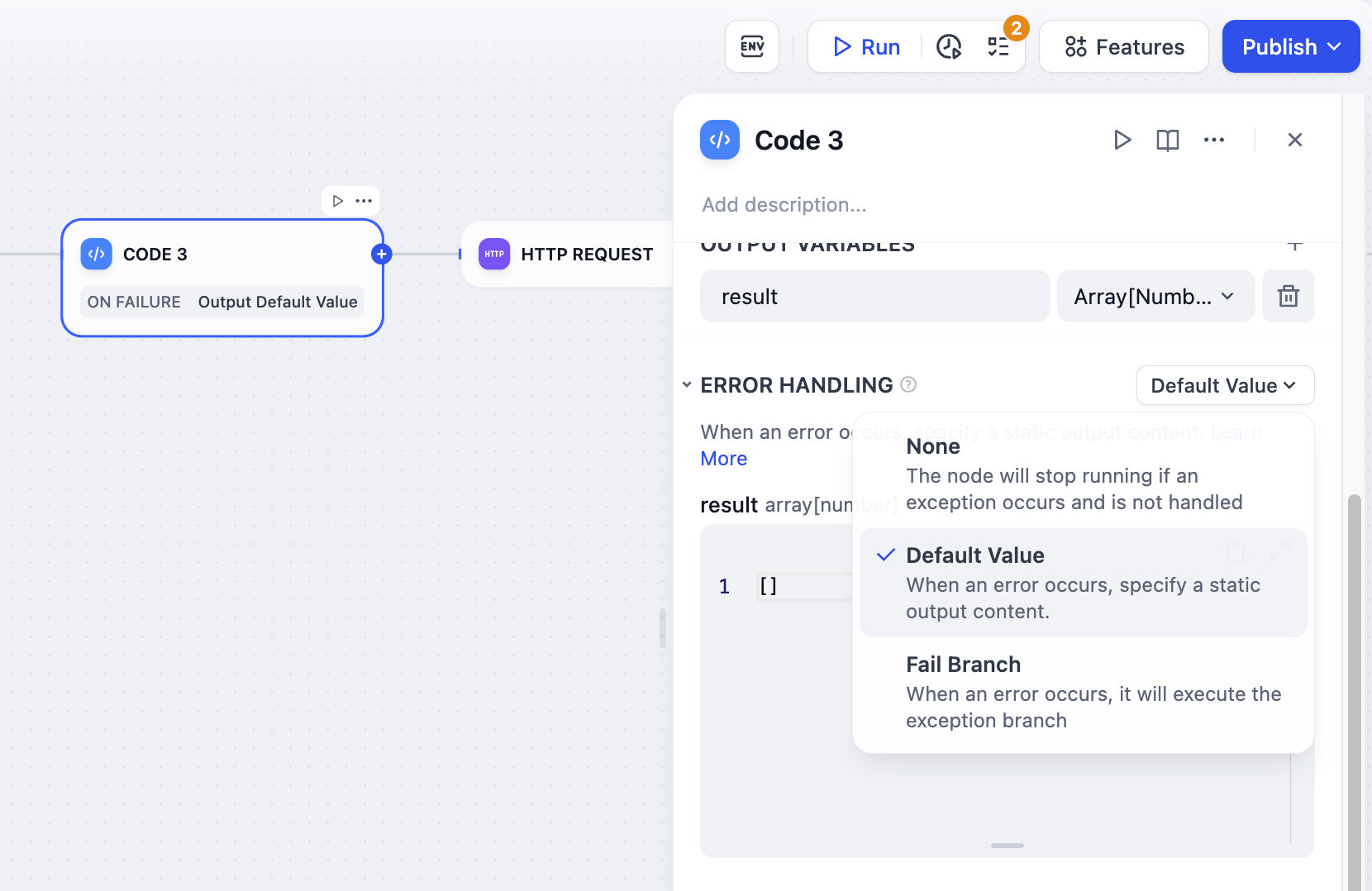
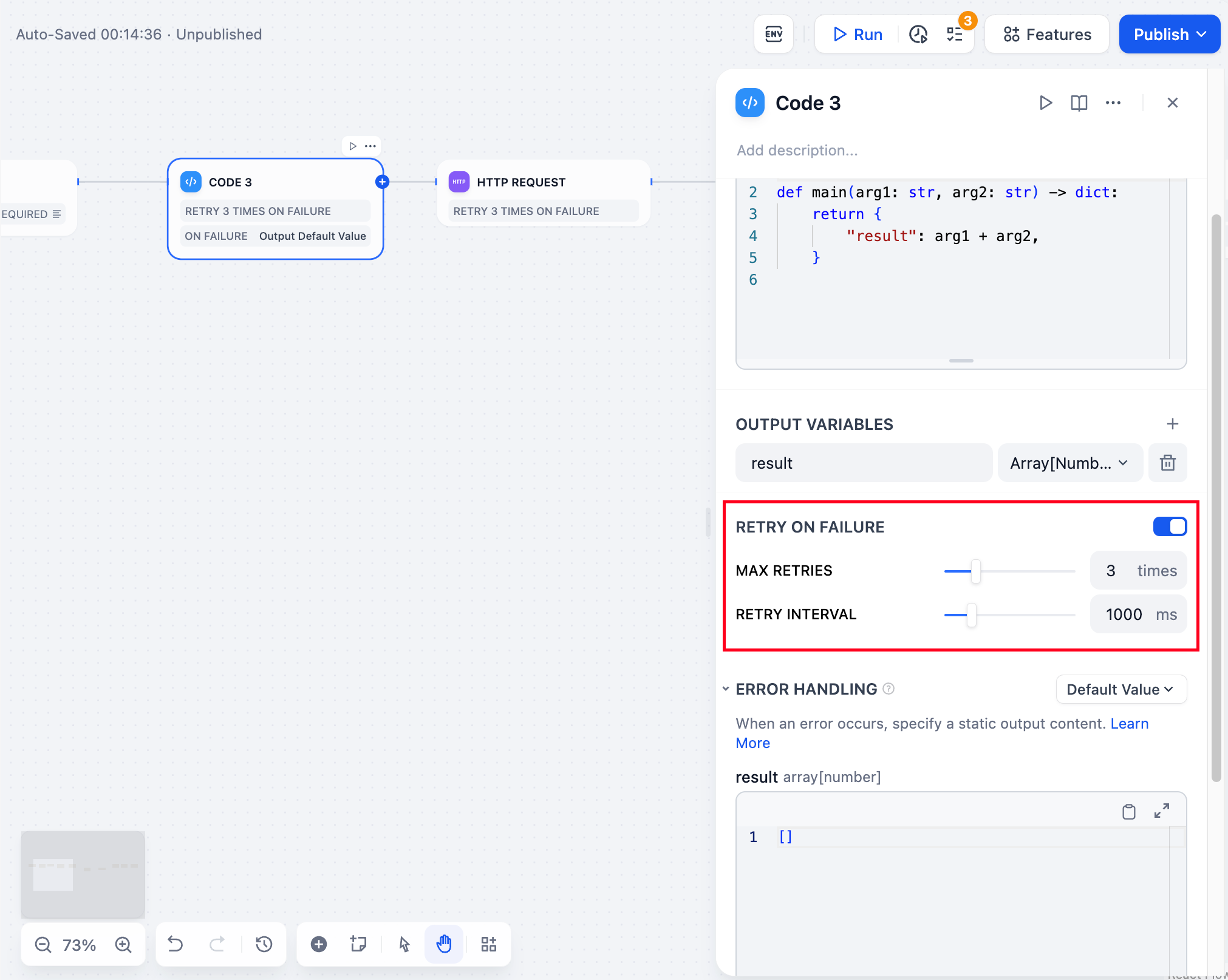
Configure automatic retry behavior for failed code executions and define fallback strategies when code encounters errors.
**Retry Settings** allow up to 10 automatic retries with configurable intervals (maximum 5000ms). Enable this for handling temporary processing issues.
**Error Handling** lets you define fallback paths when code execution fails, allowing your workflow to continue running even when the code encounters problems.
## Output Validation and Limits
Code outputs are validated against configurable limits set on the API container:
* **Strings**: Maximum length set by `CODE_MAX_STRING_LENGTH` (default 400,000 characters); null bytes are stripped.
* **Numbers**: Range set by `CODE_MAX_NUMBER` and `CODE_MIN_NUMBER` (default int64 range); float precision set by `CODE_MAX_PRECISION` (default 20 decimal places).
* **Objects and arrays**: Maximum nesting depth set by `CODE_MAX_DEPTH` (default 5); array sizes set by `CODE_MAX_STRING_ARRAY_LENGTH`, `CODE_MAX_OBJECT_ARRAY_LENGTH`, and `CODE_MAX_NUMBER_ARRAY_LENGTH`.
Defaults live in `docker/envs/core-services/shared.env.example`. Tighten limits to constrain output sizes; relax them when workflows legitimately produce larger payloads.
## Security Considerations
Code executes in a strict sandbox that prevents file system access, network requests, and system commands. This maintains security while providing programming flexibility.
Some operations are automatically blocked for security reasons. Avoid attempting to access system files or execute potentially dangerous operations. By default, outbound network calls from sandboxed code route through the SSRF proxy; set `SANDBOX_ENABLE_NETWORK=false` to disable network access from sandboxed code entirely.
## Dependencies Support
Code nodes support external dependencies for both Python and JavaScript:
```python theme={null}
# Python: Import numpy, pandas, requests, etc.
import numpy as np
import pandas as pd
def main(data: list) -> dict:
df = pd.DataFrame(data)
return {'mean': float(np.mean(df['values']))}
```
```javascript theme={null}
// JavaScript: Import lodash, moment, etc.
const _ = require('lodash');
function main(data) {
return { unique: _.uniq(data) };
}
```
Dependencies are pre-installed in the sandbox environment. Check the available packages list in your Dify installation.