Workflow & Chatflow
Hotkeys
Keyboard shortcuts for building workflows faster in Dify
Speed up your workflow building with keyboard shortcuts.
Last modified on July 2, 2026
Documentation Index
Fetch the complete documentation index at: /llms.txt
Use this file to discover all available pages before exploring further.
Keyboard shortcuts for building workflows faster in Dify
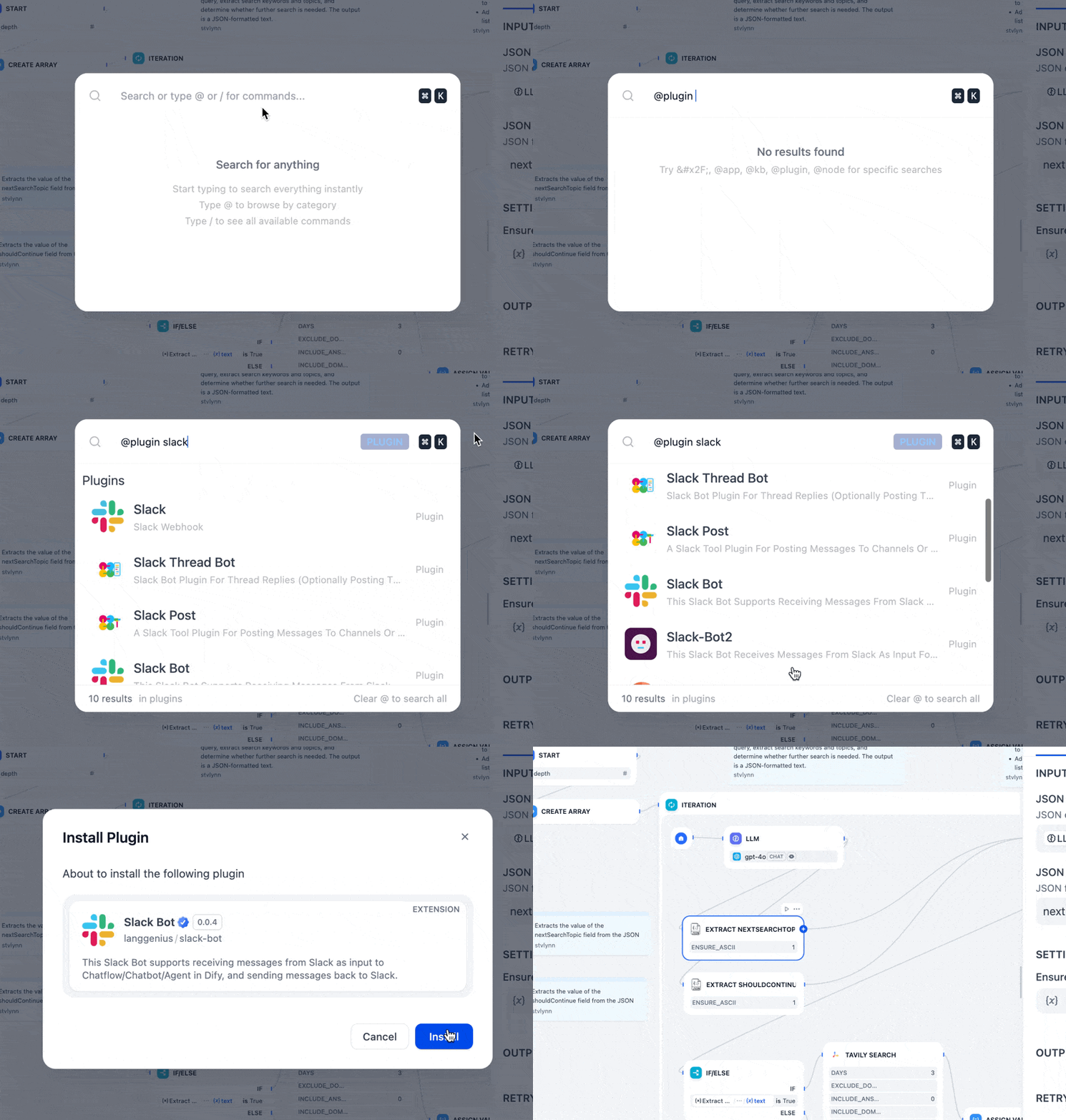
Cmd+K (macOS) or Ctrl+K (Windows) anywhere in Dify to find and jump to almost anything.@ to search apps, integrations, knowledge bases, or workflow nodes./ to run a command like /docs, /theme, or /language.
| Windows | macOS | Action |
|---|---|---|
Ctrl + C | Cmd + C | Copy |
Ctrl + V | Cmd + V | Paste |
Ctrl + D | Cmd + D | Duplicate |
Delete | Delete | Delete selected nodes or edges |
Shift (hold) | Shift (hold) | Highlight the selected node’s variable connections |
| Windows | macOS | Action |
|---|---|---|
V | V | Pointer mode (select) |
H | H | Hand mode (pan) |
C | C | Comment mode |
| Windows | macOS | Action |
|---|---|---|
Ctrl + 1 | Cmd + 1 | Zoom to fit |
Ctrl + = | Cmd + = | Zoom in |
Ctrl + - | Cmd + - | Zoom out |
Shift + 1 | Shift + 1 | Zoom to 100% |
Shift + 5 | Shift + 5 | Zoom to 50% |
Ctrl + O | Cmd + O | Organize nodes |
| Windows | macOS | Action |
|---|---|---|
Ctrl + Z | Cmd + Z | Undo |
Ctrl + Y | Cmd + Y | Redo |
Ctrl + Shift + Z | Cmd + Shift + Z | Redo |
| Windows | macOS | Action |
|---|---|---|
Alt + R | Option + R | Test run |
Was this page helpful?