Documentation Index

Fetch the complete documentation index at: https://docs.dify.ai/llms.txt

Use this file to discover all available pages before exploring further.

Track changes and manage versions in Chatflow and Workflow apps.
Only available for Chatflow and Workflow apps right now.

How it works

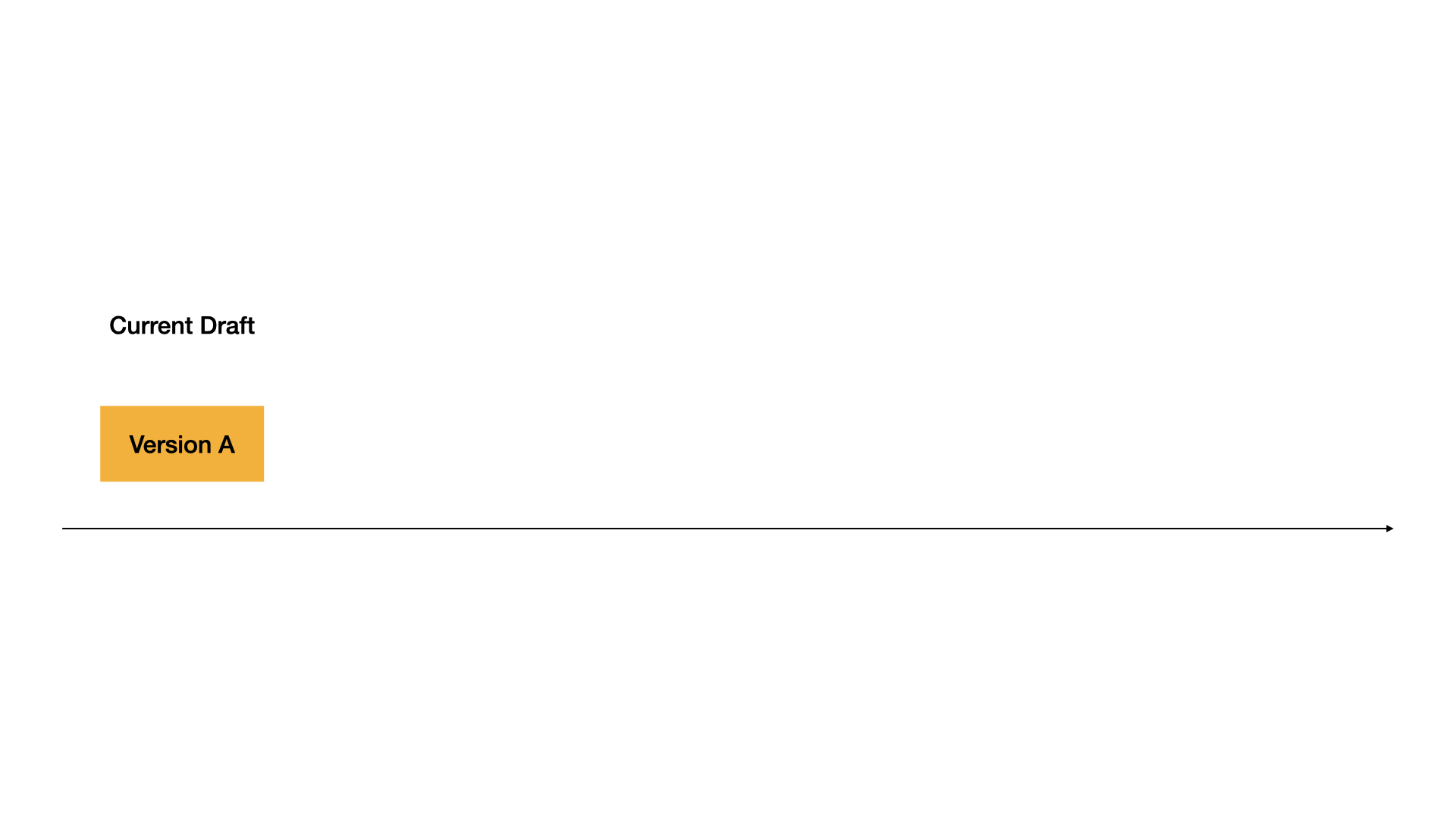
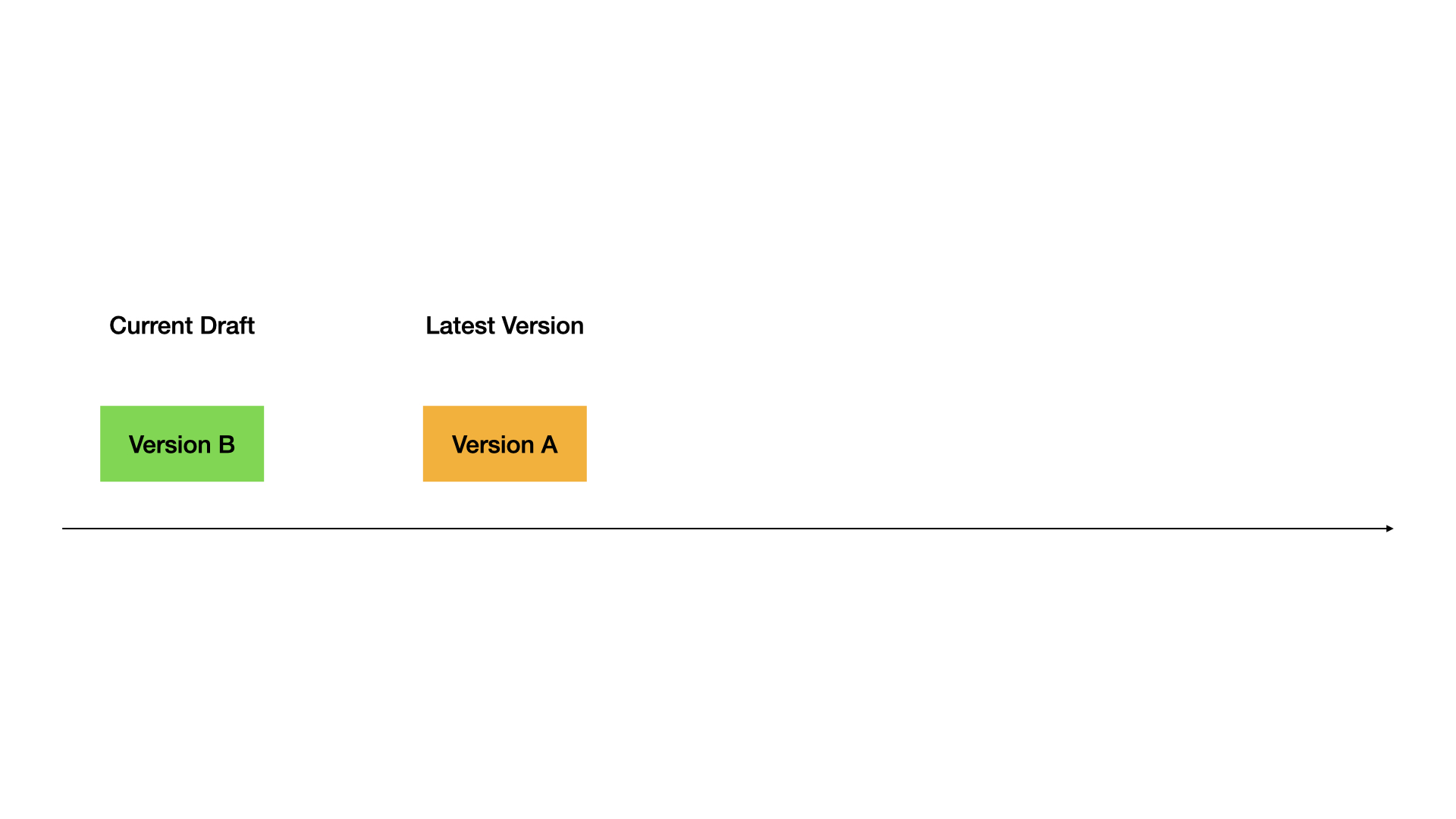
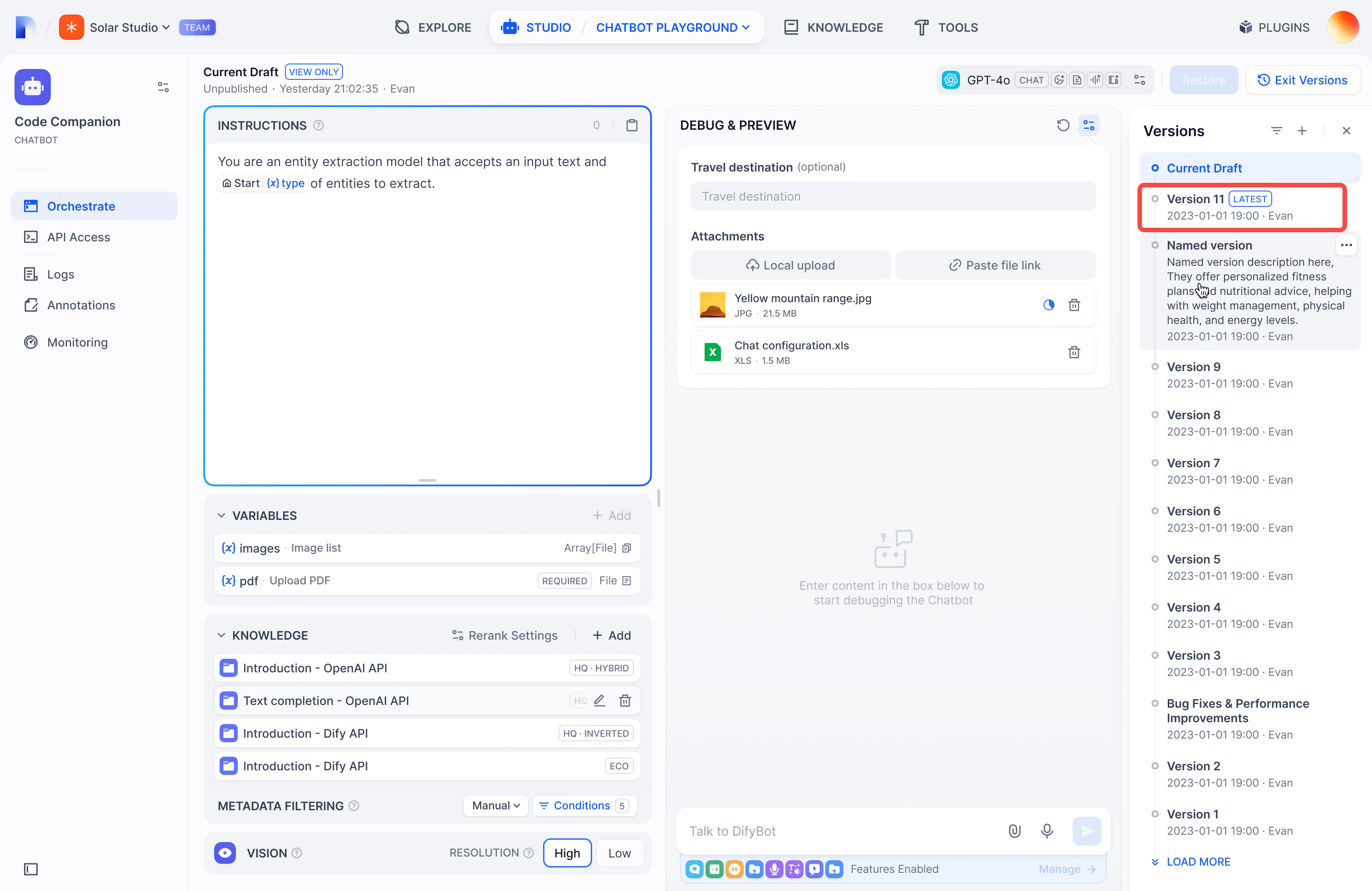
Current Draft: Your working version. This is where you make changes. Not live for users.

Current Draft
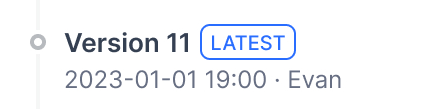
Latest Version: The live version users see.
Latest Version
Previous Versions: Older published versions.
Previous Versions

Publish versions

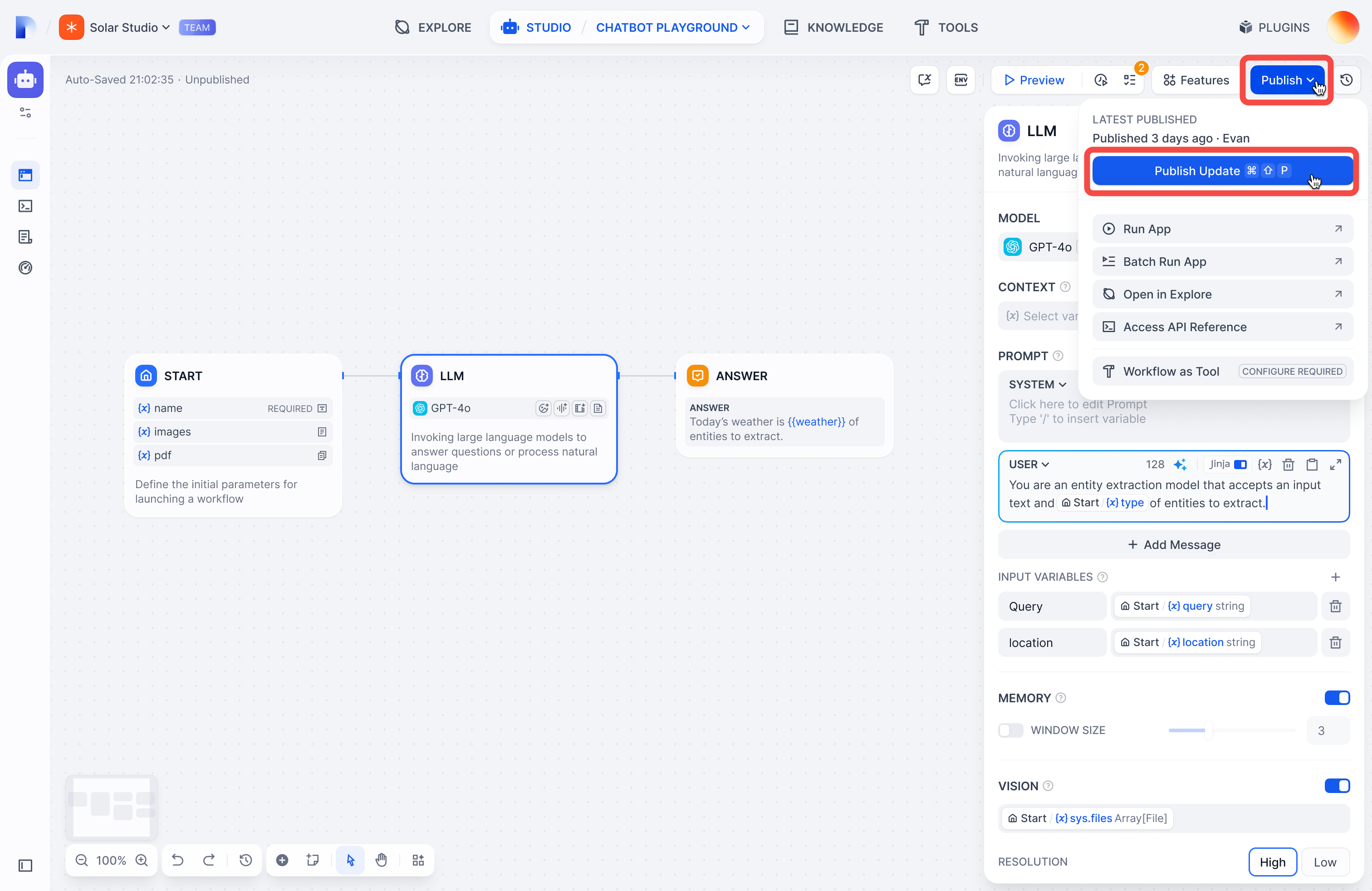
Click PublishPublish Update to make your draft live.
Your draft becomes the new Latest Version, and you get a fresh draft to work in.

View versions

Click the history icon to see all versions:
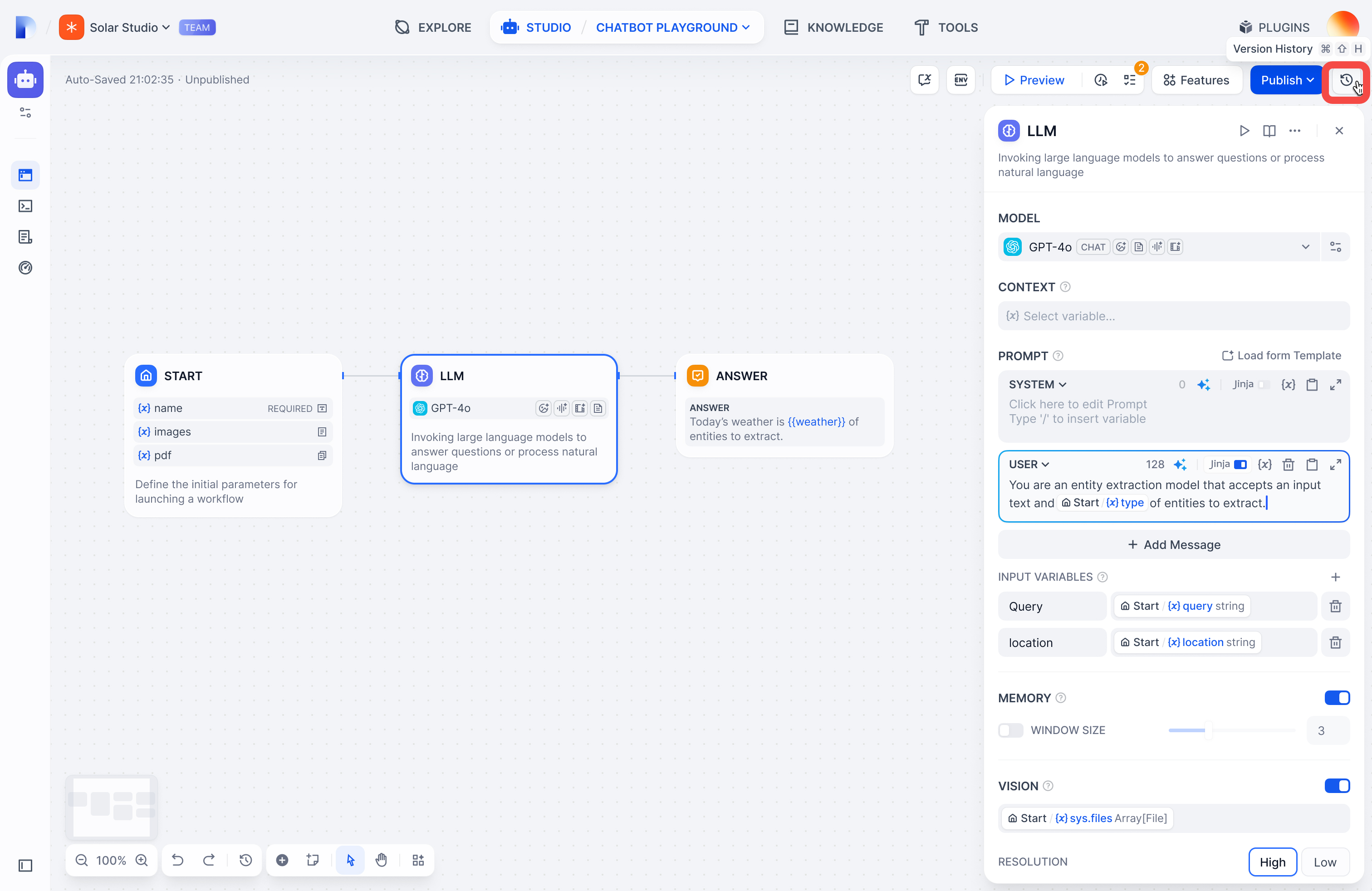
Filter by:
  • All versions or only yours
  • Only named versions (skip auto-generated names)
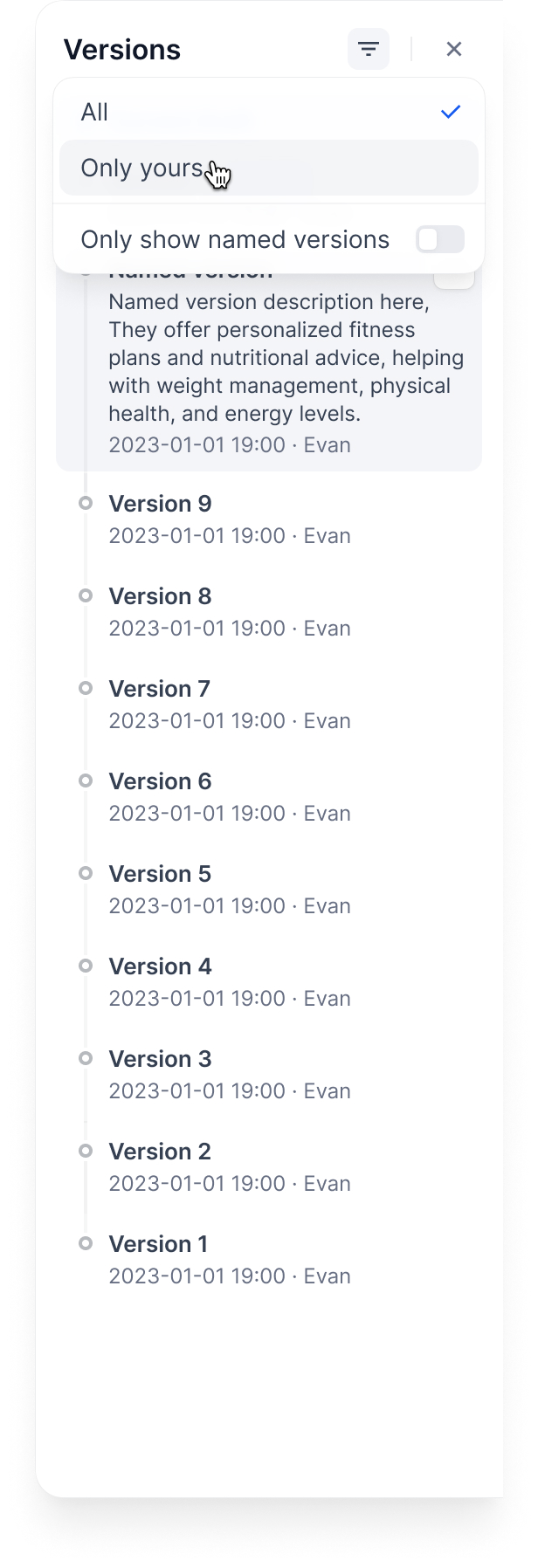
Only Named Versions (Skip Auto-Generated Names)

Manage versions

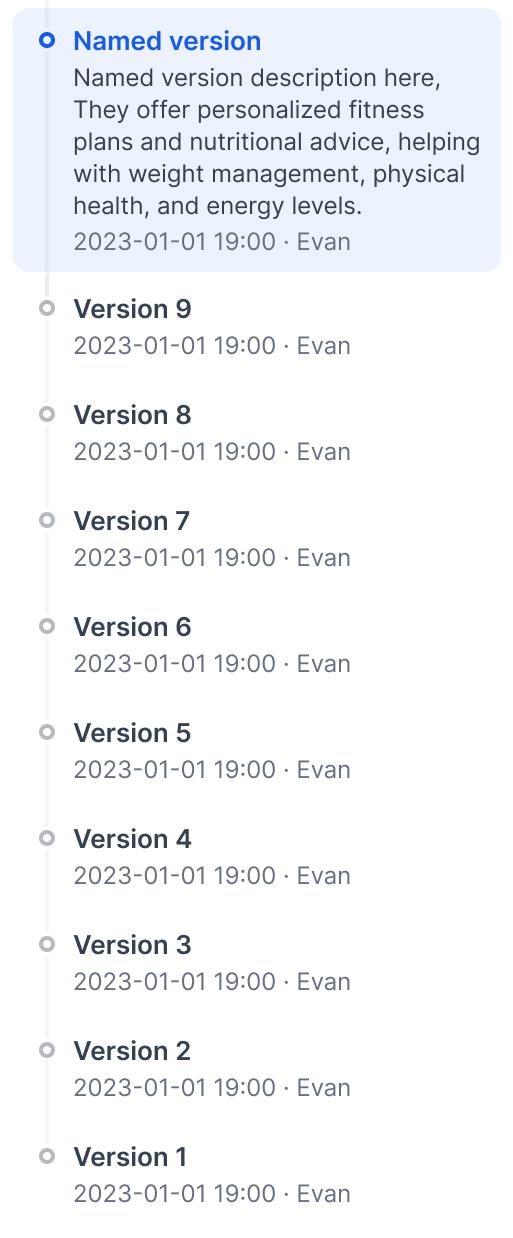
Name a version: Give it a proper name instead of the auto-generated one
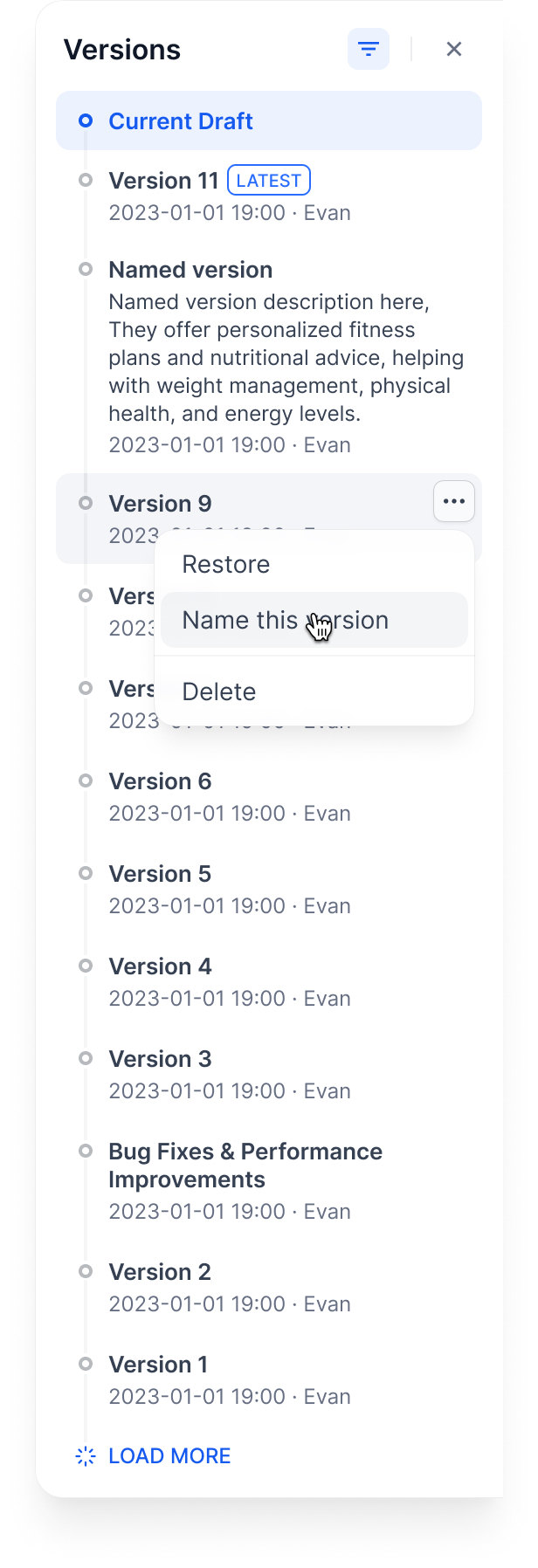
Name a Version
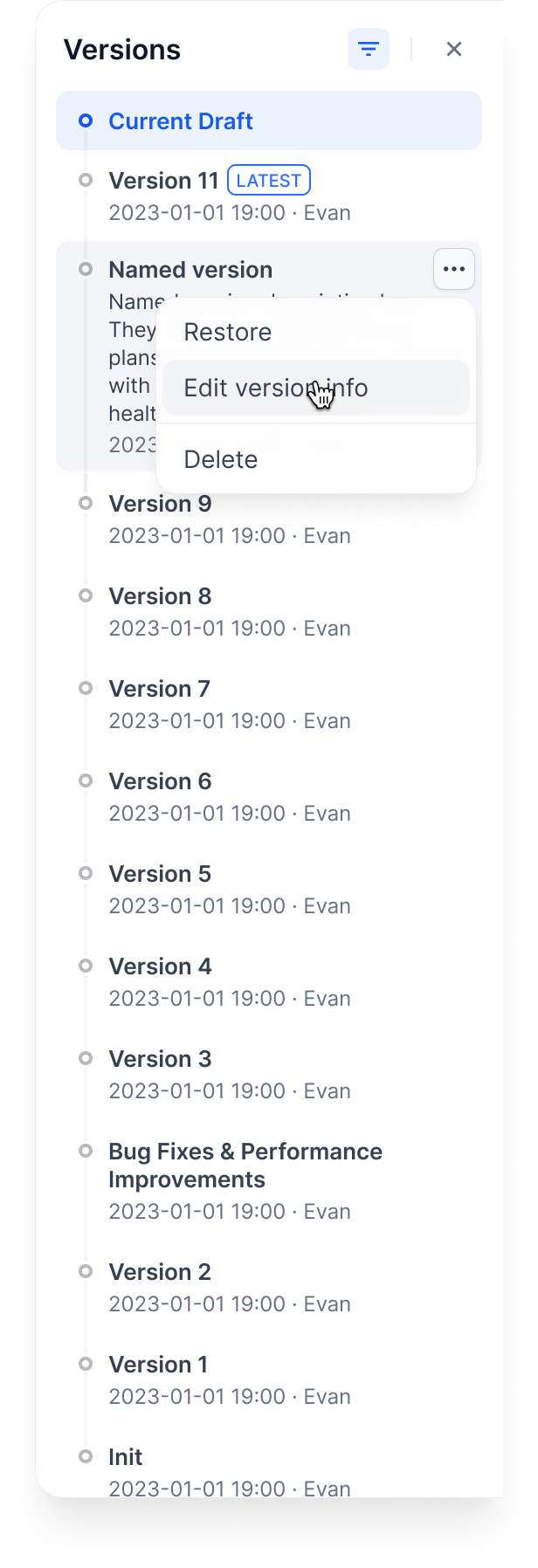
Edit version info: Change the name and add release notes
Edit Version Info
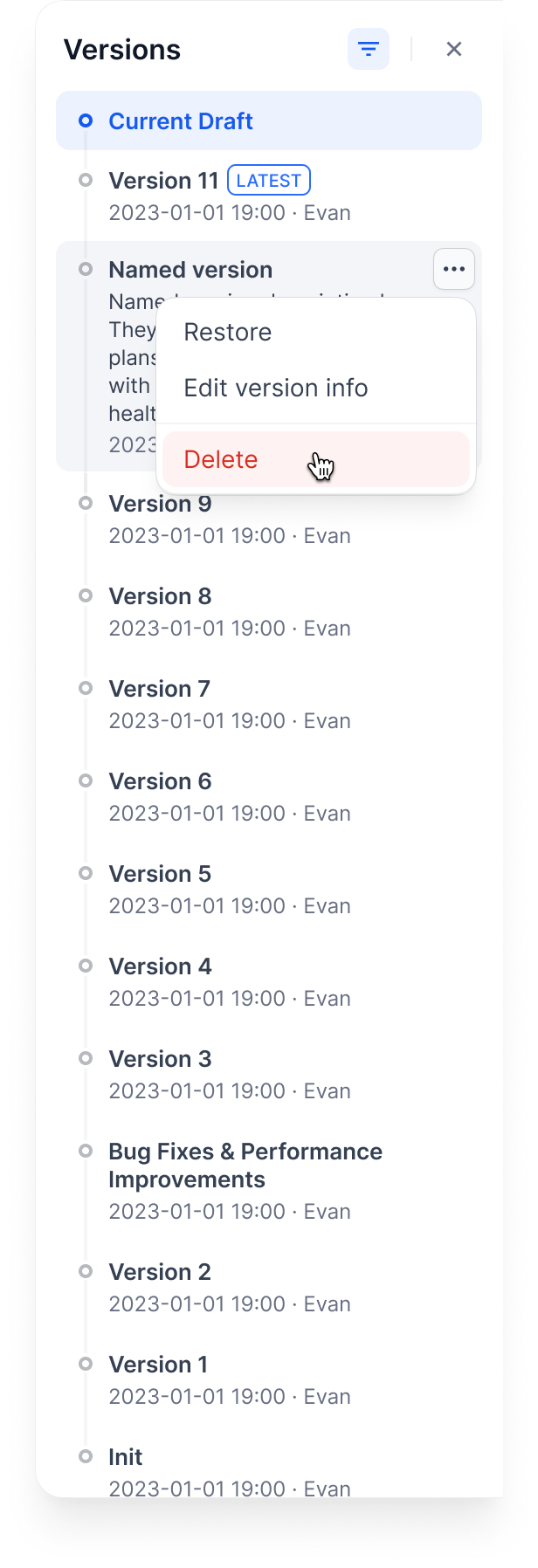
Delete old versions: Clean up versions you don’t need
Delete Old Versions
You can’t delete the Current Draft or Latest Version.
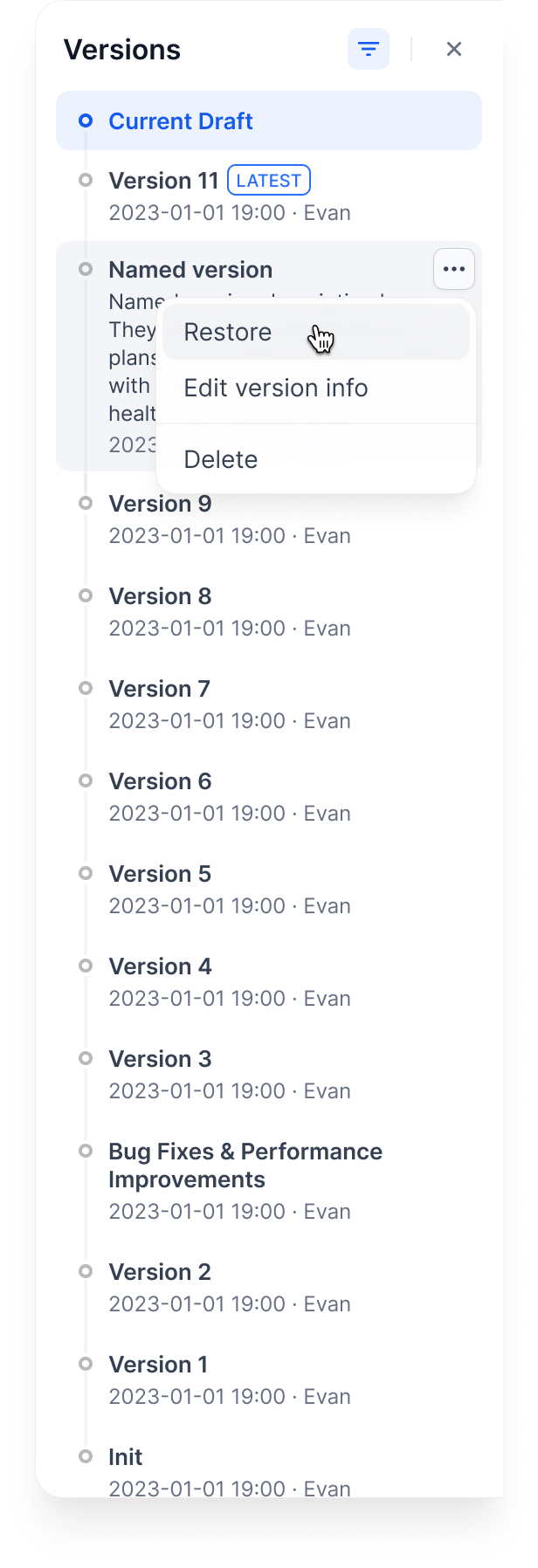
Restore a version: Load an old version back into your draft
Restore a Version
This replaces your current draft completely. Make sure you don’t have unsaved work.

Example workflow

Here’s how versions work through a typical development cycle:

1. Start with a draft

How Versions Work Through a Typical Development Cycle

2. Publish first version

3. Publish second version
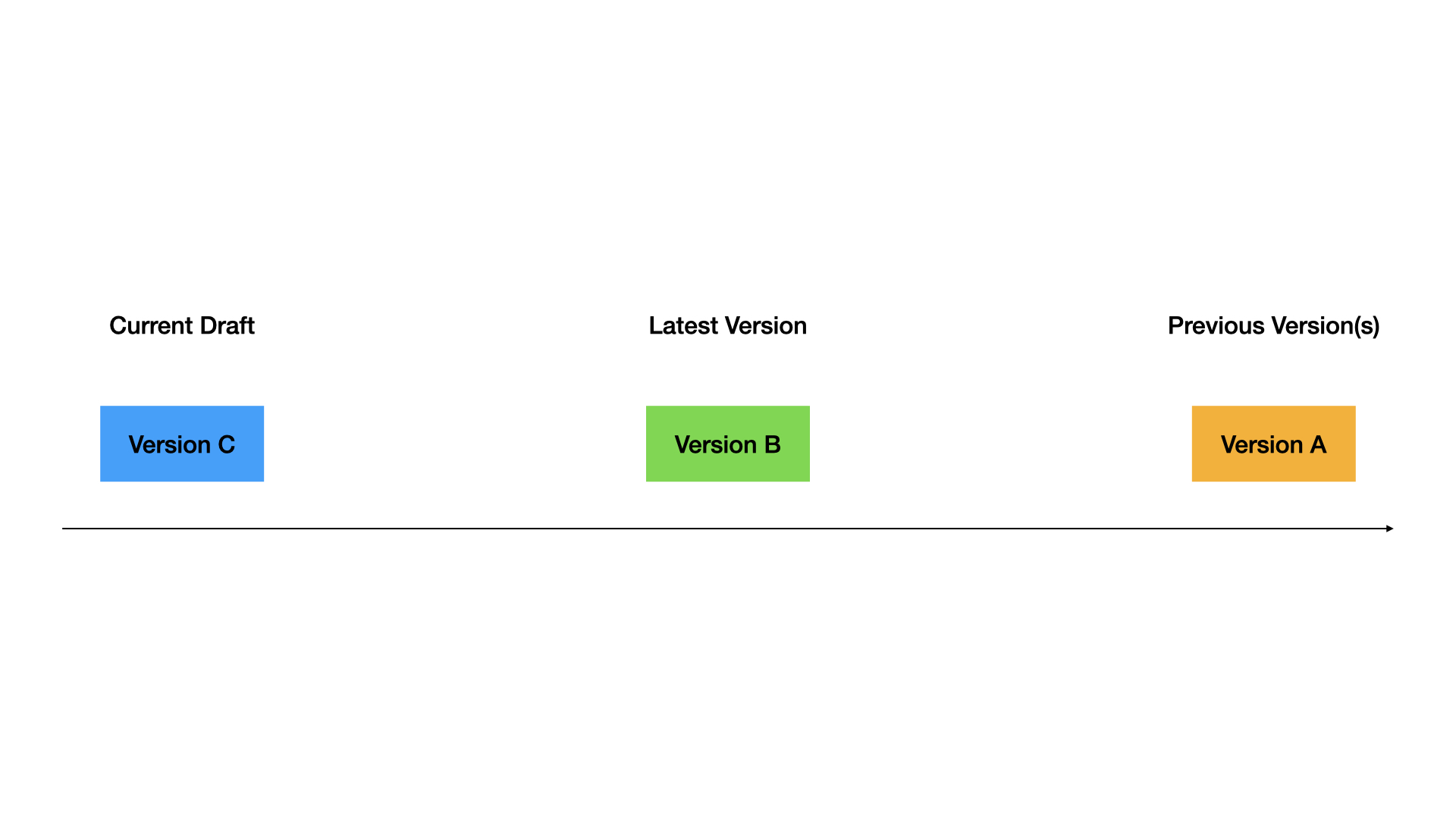
4. Restore old version to draft
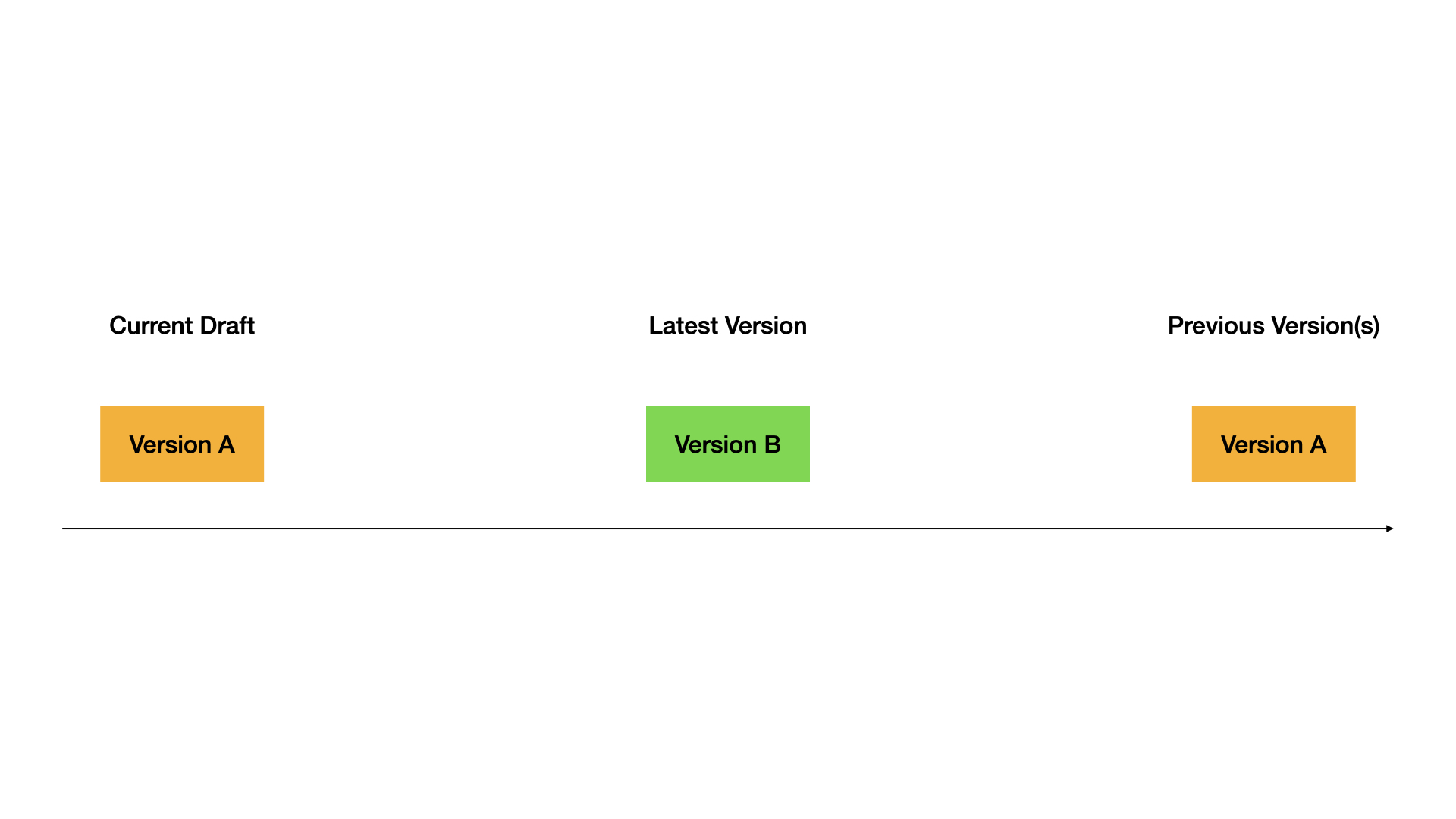
5. Publish the restored version
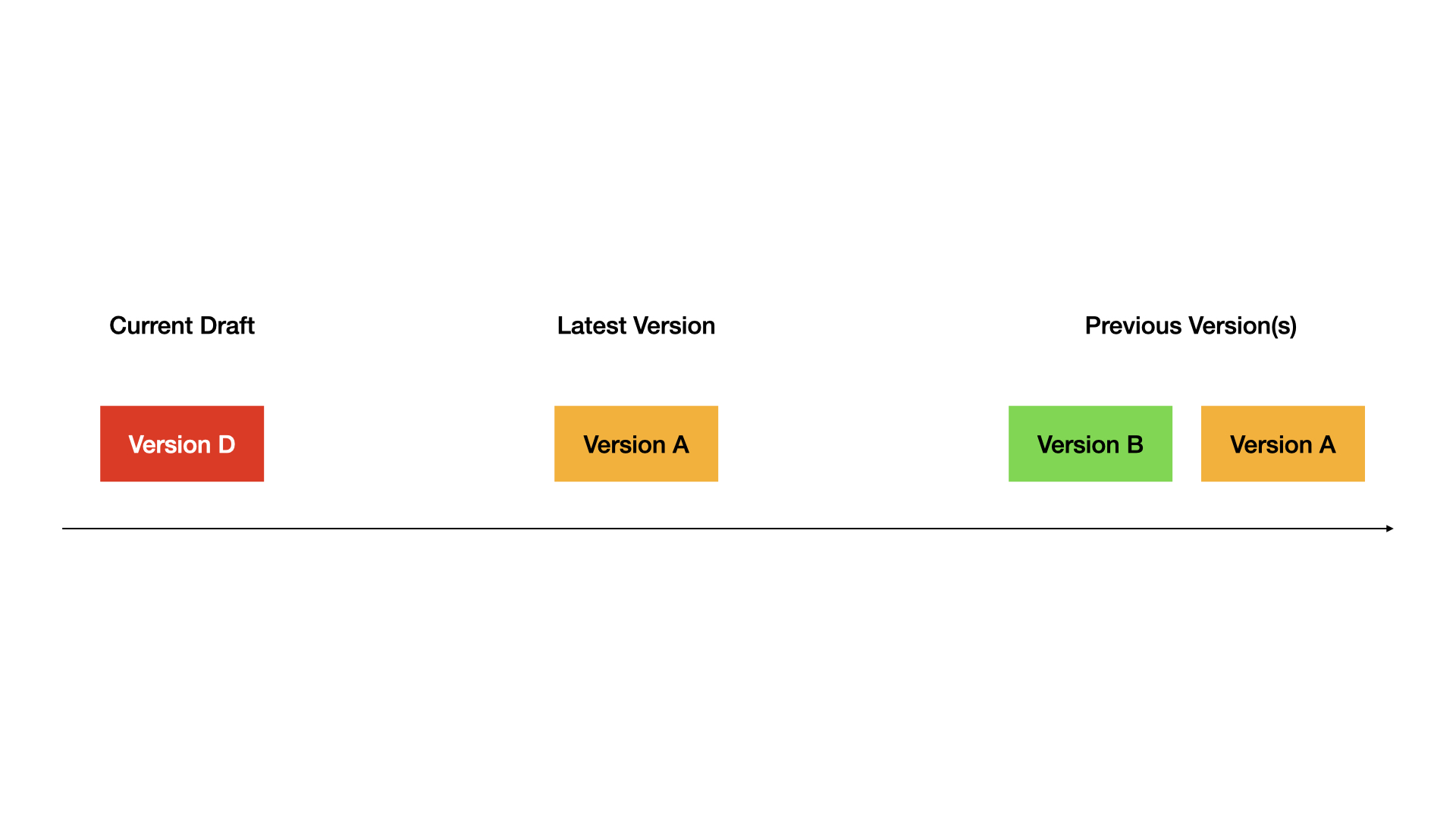
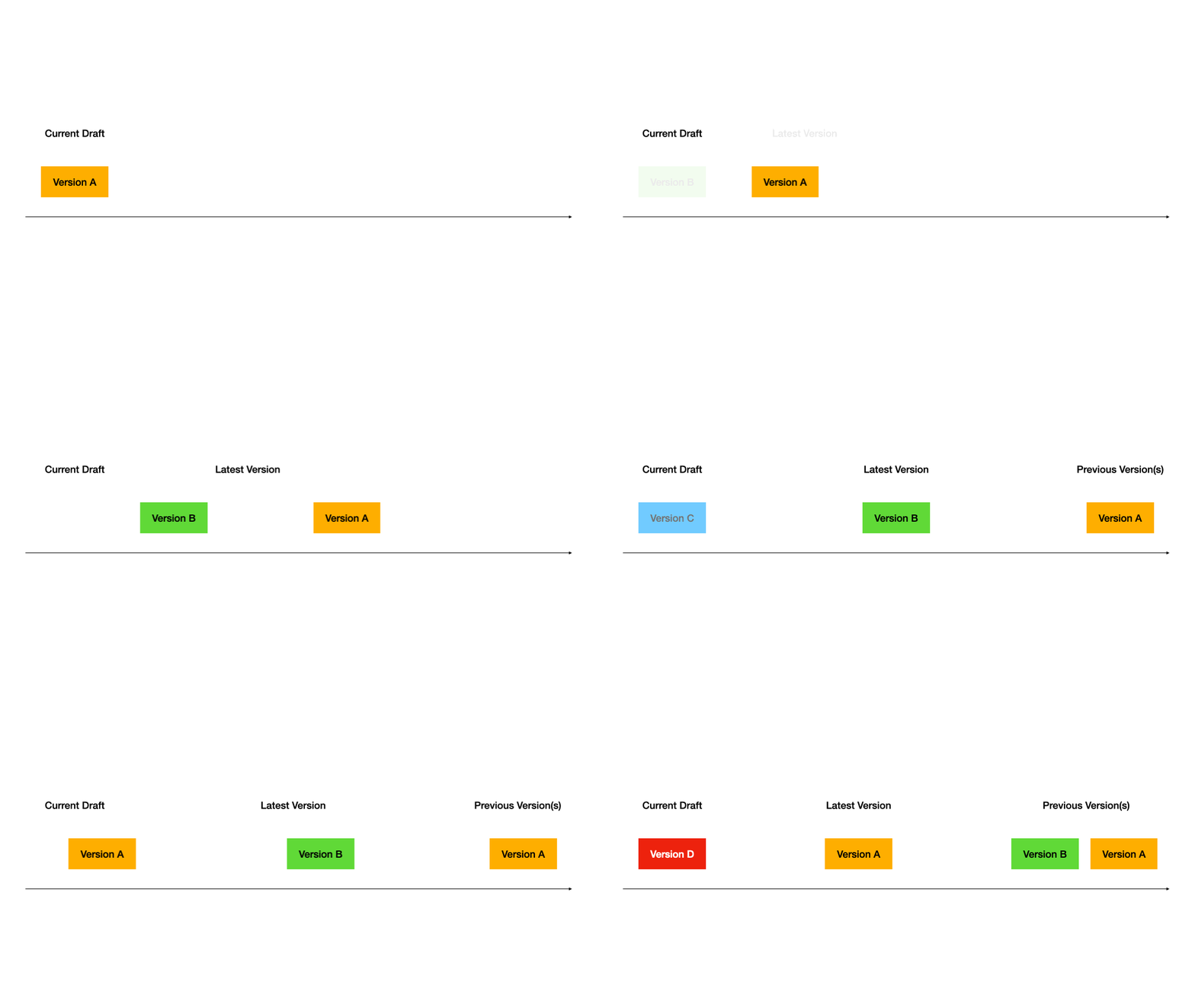
Complete demo:
Complete Demo

Tips

  • Always test in draft before publishing
  • Use descriptive version names for important releases
  • Restore versions when you need to rollback quickly
  • Keep old versions around for reference