The Answer node defines what content gets delivered to users in chatflow applications. Use it to format responses, combine text with variables, and stream multimodal content including text, images, and files.
The Answer node is only available for Chatflow applications. Workflow applications use the End node instead.
Content Configuration
The Answer node provides a flexible text editor where you can craft responses using fixed text, variables from previous nodes, or combinations of both.
Reference variables from any previous workflow node using the {{variable_name}} syntax. The editor supports rich content formatting and variable insertion to create dynamic, contextual responses.
Multimodal Responses
Answer nodes support rich content delivery including text, images, and files in a single response stream.
Text Content can include variable substitution, markdown formatting, and dynamic content based on workflow processing results.
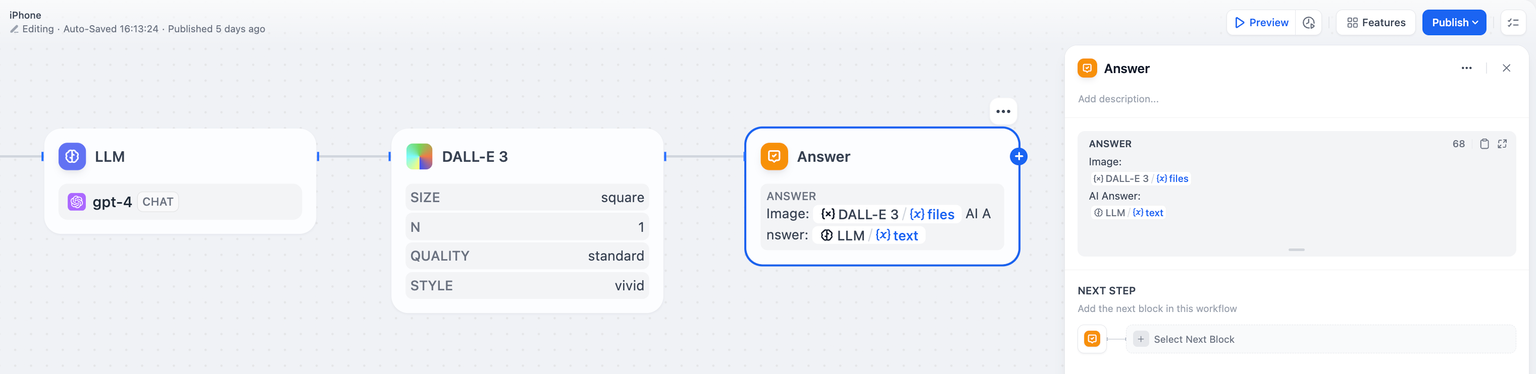
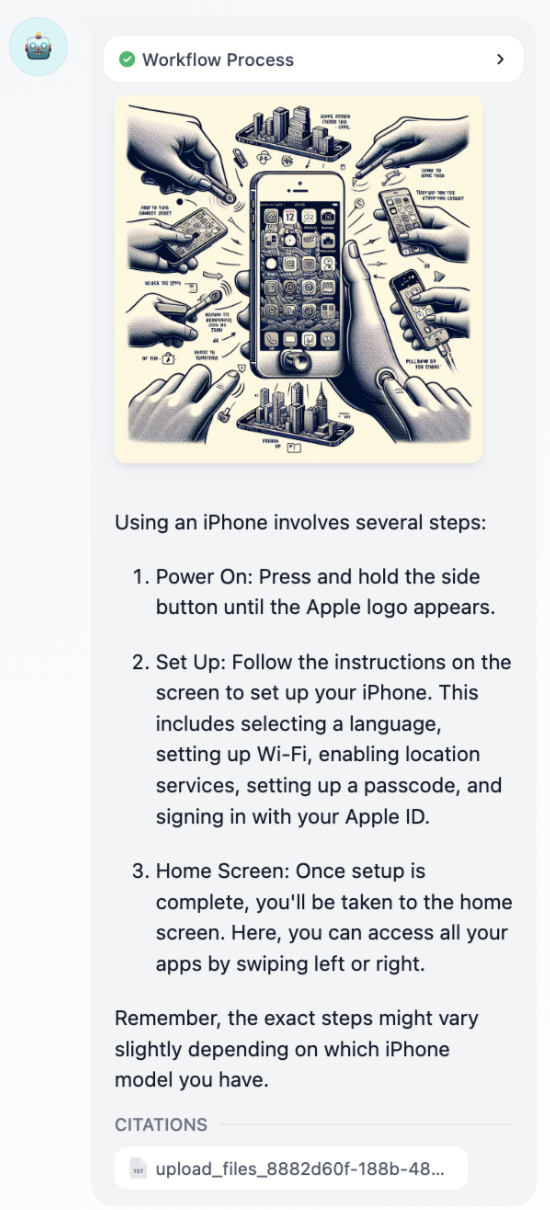
Image Content displays images generated by tools, uploaded by users, or processed by workflow nodes. Images stream alongside text for rich user experiences.
File Content delivers documents, spreadsheets, or other files generated or processed during the workflow execution.
Streaming Behavior
Answer nodes stream content progressively based on variable availability. The node outputs all content up to the first unresolved variable, then waits for that variable to resolve before continuing.
Variable Order Matters - The sequence of variables in your Answer node determines streaming behavior, not the execution order of upstream nodes.
For example, with nodes executing as Node A -> Node B -> Answer:
- If the Answer contains
{{A}} then {{B}}, it streams A’s content immediately when available, then waits for B
- If the Answer contains
{{B}} then {{A}}, it waits for B to complete before streaming any content
This streaming behavior enables responsive user experiences while maintaining content coherence.
Multiple Answer Nodes
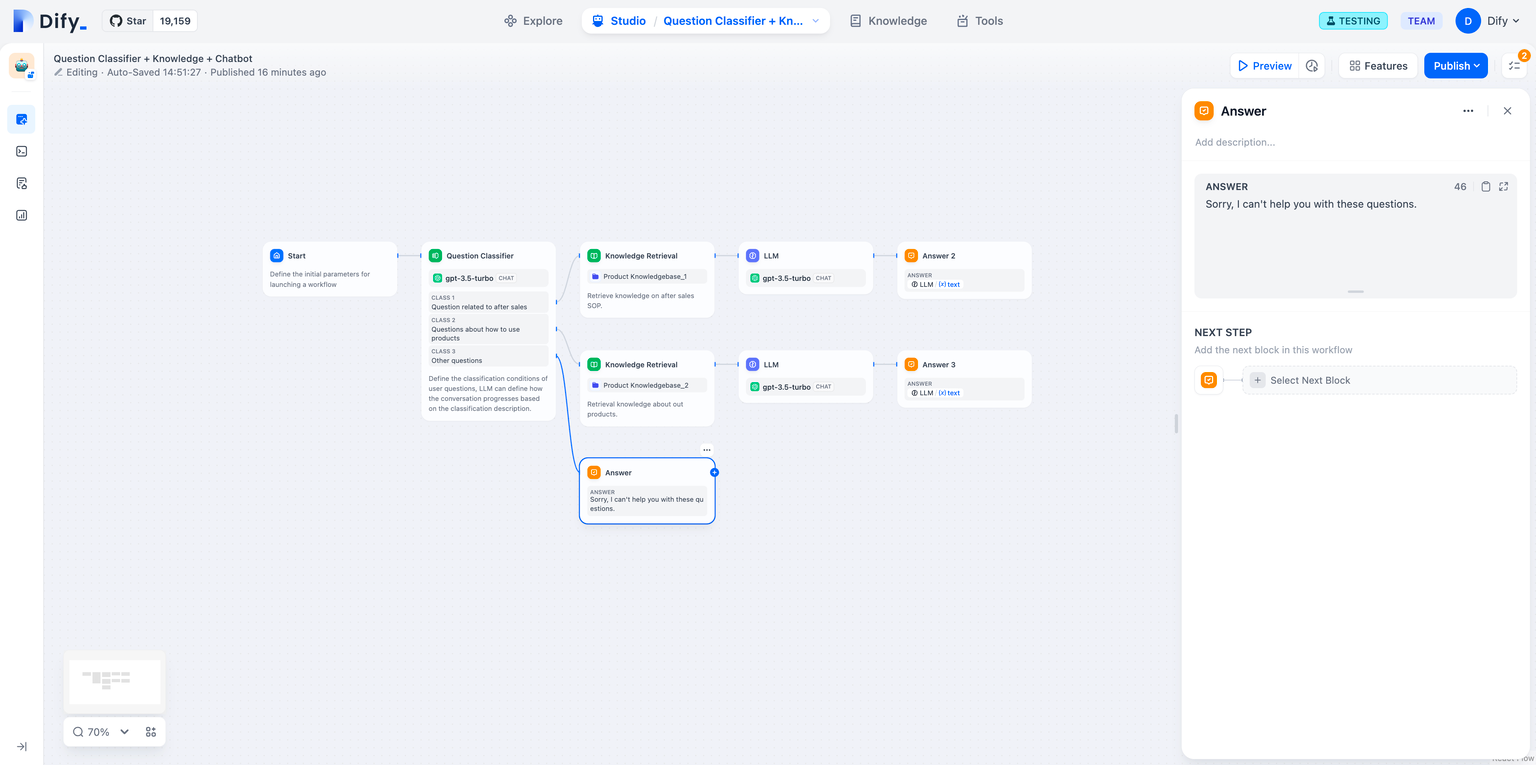
You can place multiple Answer nodes throughout your chatflow to deliver content at different stages of processing.
Variable Integration
Answer nodes seamlessly integrate with outputs from all workflow node types. Common variable sources include:
LLM Responses - Display generated text, analysis results, or structured outputs from language models
Knowledge Retrieval - Show relevant information found in knowledge bases with automatic citation tracking
Tool Results - Present data from external APIs, calculations, or service integrations
File Processing - Display extracted text, analysis results, or processed document content
The variable system maintains type safety and automatically handles different content types for optimal display in the chat interface.