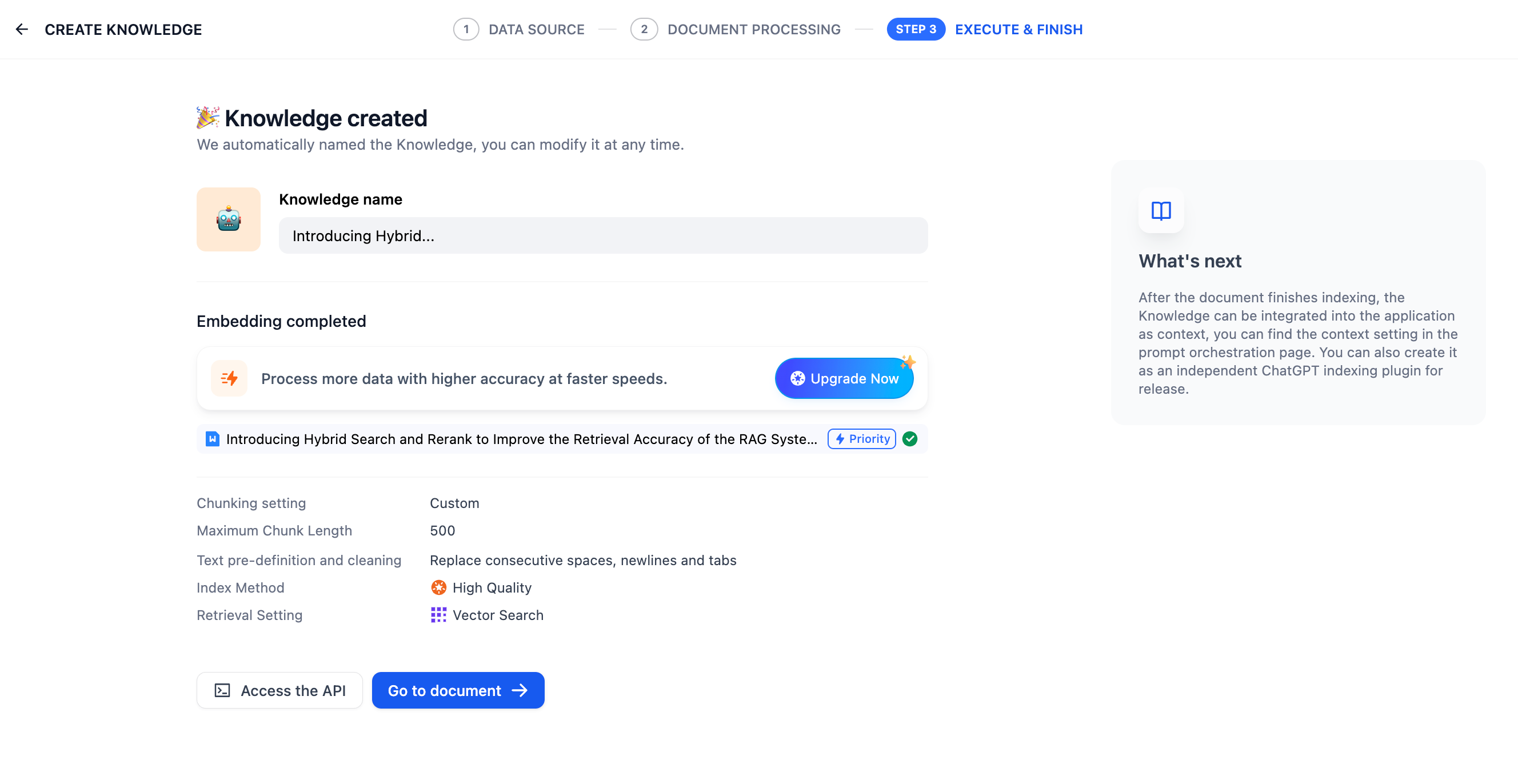
- Click Knowledge > Create Knowledge, then upload local files, sync data from Notion, or webpages, or create an empty knowledge base.
- Configure the chunk settings and preview the chunking results. This stage involves content preprocessing and structuring, where long texts are divided into multiple smaller chunks.
- Specify the index method and retrieval settings. Once the knowledge base receives a user query, it searches existing documents according to preset retrieval methods and extracts highly relevant content chunks.
- Wait for the data processing to complete.